


flowers around Olivet sign

Your ONU Enrollment Roadmap

We can’t wait to welcome you to campus this fall! 

You’re almost here! There are just a few steps left to complete before you’re ready to officially enroll at Olivet Nazarene University. Follow the steps below to complete your enrollment process and ensure you’re ready for the first day of class!

Reach out to your Admissions Counselor if you have questions.


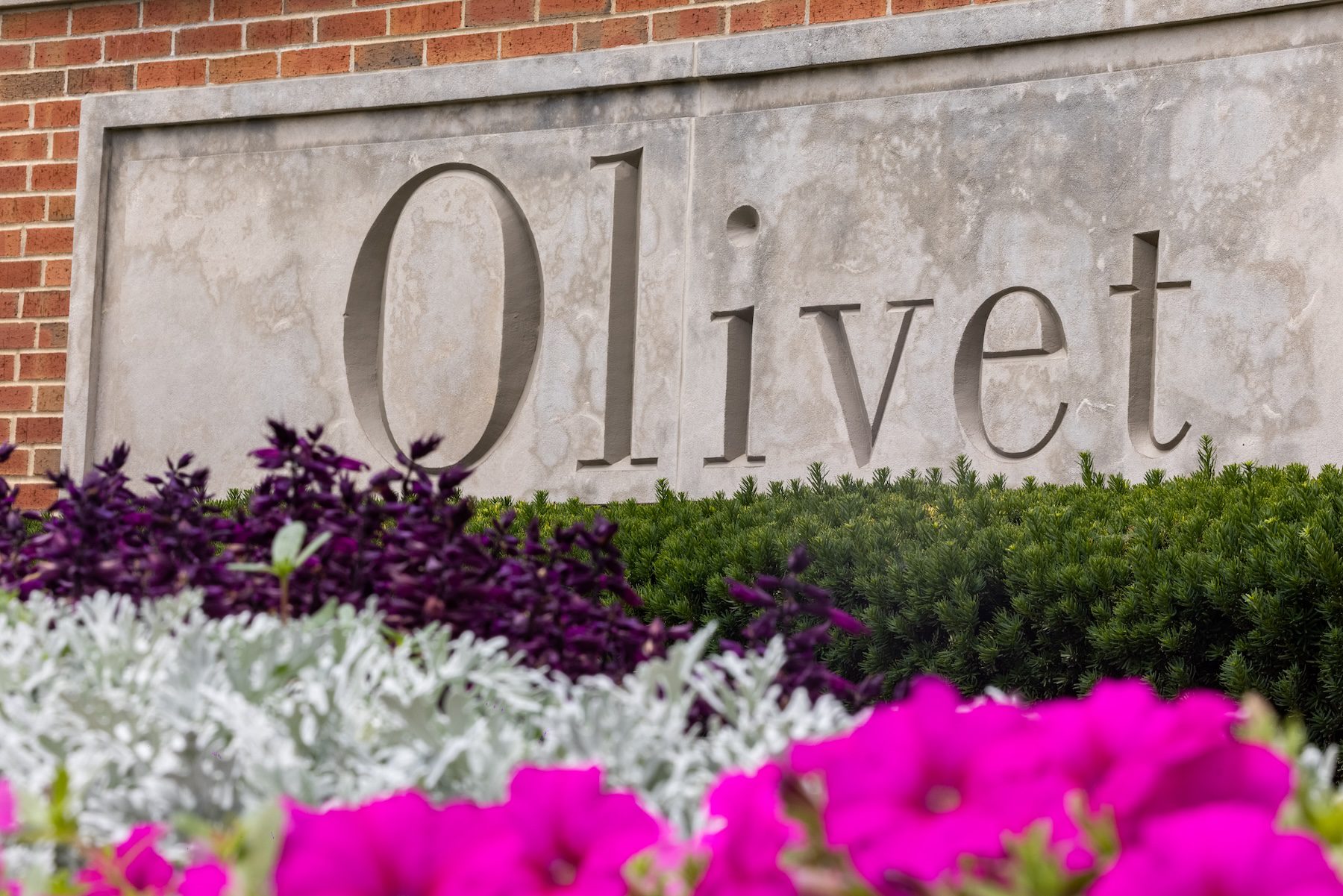
flowers around Olivet sign
student hands on laptop

New Account Setup

Log into Your ONU Account & Email

As an Olivet student, you are assigned a personal student account which is used for logging into email.olivet.edu, campus wireless, canvas.olivet.edu, my.olivet.edu and many other Olivet resources. Once you have received your username from your Admissions Counselor, you can complete the New Account Setup to access your ONU email and MyOlivet account.

An email will come from your Admissions Counselor with your login credentials and housing access on your release date!

New Account Setup

Declare Your Housing Plans

This step unlocks on a rolling basis for Early Action students between February 3 and March 3, depending on your deposit date. It will open for everyone in mid‑March. An email will come from your Admissions Counselor with your login credentials and housing access on your release date!

Housing FAQs

Residential Students

Complete the Housing Application!

On the housing application, you will select your meal plan, create a roommate pin, choose Tiger Dollar amounts and more. This application must be completed prior to housing registration.

Complete the Housing Application

Commuter Students

Complete the Off-Campus Petition!

Commuter students are required to submit the Off-Campus Petition in order to be approved to live off campus. You will also select a commuter meal plan, choose Tiger Dollar amounts and more.

Off-Campus Petition Available Mid-March

Join ZeeMee

Join the Olivet community on ZeeMee to connect with other incoming students, complete the Roommate Questionnaire and attend virtual live events! ZeeMee is a great place to find your friend group or roommate before Orientation!

Join ZeeMee

Step Unlocks Mid-March

Register for Orientation!

We can’t wait to see you on campus for New Student Orientation June 18-19, 2026! Check out the 2025 recap video.

Register Here (link coming soon)

Orientation FAQs

people standing in front of Admissions building

Step Unlocks Late March

Register for Classes

In this form, freshmen will declare a major, select extracurricular involvements and list any completed college coursework. The Registrar’s Office will then create your first semester schedule.

Register Here (link coming soon)

Class Registration FAQs

Transfer Students

Connect with Lauren to discuss your completed coursework, see how your courses transfer to ONU and plan your first semester schedule.


Class Registration Appointment

To Be Completed Mid-April

Set Up Your Olivet ID

Olivet ID is required for all students and will grant you access to the Student Life and Recreation Center, vending machines, your campus housing, the Hammes Bookstore, campus printers and sporting events. Olivet utilizes Mobile Credential which is stored on your smartphone’s wallet. You can tap your iPhone, Apple Watch or Android phone at readers across campus to conveniently access your Olivet ID.

Set Up ONU ID

To Be Completed Late April

Upload Your Medical Records

For the safety of the campus community, Olivet requires proof of immunization records. New students must register for a new account for medical records through www.medproctor.com using their Olivet credentials.
Upload Documents to Med + Proctor

Med+Proctor FAQs


Useful Forms

Step Unlocks Early June

Complete Financial Aid Checklist

One of the most important parts of the enrollment process is finalizing your financial aid. The good news is that you don’t have to do it alone! Our financial aid advisors are here with you every step of the way. Visit our “Easy as 1, 2, 3” Financial Aid page for step-by-step instructions and how-to videos for finalizing your financial aid – and reach out to your Financial Aid Advisor if you have questions.

View Financial Aid Checklist

To Be Completed Early June

Submit Your Final Transcripts

Official Transcripts FAQs

First Time Freshman Students

All incoming students must submit final transcripts to Olivet Nazarene University to confirm federal student aid eligibility. An official transcript must include all semesters of high school, and it must have the Graduation Date filled in with a date. The transcript must be sent directly from the high school to Olivet to be considered official.

Students who have completed college courses, during their high school years or post-graduation, must also submit official college transcripts to receive credit for completed coursework. Unofficial transcripts may limit course eligibility and attendance at Olivet.

Transfer Students

All incoming transfer students must submit official college transcripts to Olivet Nazarene University to confirm federal student aid eligibility and receive credit for completed college courses. An official transcript must include all semesters of completed coursework with a cumulative GPA. The transcript must be sent directly from the college or university to Olivet to be considered official.

Students who have completed less than 16 credit hours must also submit an official high school transcript. 

Frequently Asked Questions

Freshmen:
Submit the class registration form. The Registrar’s Office and professors in your selected major use that information to create your class schedule for the fall semester. This makes it super easy for you, so you don’t have to stress about what classes to take your first semester! At Orientation, you will have an Academic Meeting to discuss your schedule and make any changes (if needed). After the first semester, you will work closely with professors in your department to create your four-year plan.

Transfers:
Schedule a Class Registration Meeting with Lauren. During your meeting you will look at your completed college coursework and transferability to ONU and plan your schedule for the fall semester.

New student move-in day is Saturday, August 22. If you are part of an early arrival program or athletic team make sure you connect with coach or director to confirm your early move in date

The first day of fall classes is Wednesday, August 26.

JumpStart is a way for freshmen and transfer students to connect and transition well into life at Olivet. Highlights include a panel of current Olivet students; a Sunday night small group event, challenging messages from Olivet’s president and leadership experts; door prizes, giveaways, food and much more. All new students are required to attend JumpStart Conference.

Residential students at Olivet have 5 meal plan options:

  1. 7-day Unlimited Platinum + $225 in Flex Dollars
  2. 7-day Unlimited + $25 in Flex Dollars
  3. 14 Meals (per week) + $25 in Flex Dollars
  4. Block 135 + $150 in Flex Dollars (approx. 9 meals per week)
  5. Block 160 + $100 in Flex Dollars (approx. 11 meals per week)

    Commuter students are also able to select a meal plan from the following 4 options:

    1. 30 Meals + $50 in Flex Dollars
    2. 50 Meals + $50 in Flex Dollars
    3. 75 Meals + $50 in Flex Dollars
    4. 100 Meals + $50 in Flex Dollars

Meal plans are selected via the Housing Application (residential students) or the Off-Campus Petition (commuter students).

Once registered for classes, you will be automatically enrolled into the ONU Book Rental Program. Click here for Pricing and Terms. The opt out deadline for the ONU Book Rental Program is August 1st. Nursing majors should pay special attention to book rental terms and contact nursing@olivet.edu with any questions.

If you’ve opted out, you can opt back in at any time before September 8th. To request an opt-back-in, you must email: StudentFinance@olivet.edu.

If you decide to opt out of ONU’s book rental program under Required Agreementsin the Self-Service Portal, you should order your books from the online ONU Bookstore or from outside vendors and websites (ex. Amazon, Chegg, etc.).

View your class schedule in ONU Self Service under “Student Planningto locate the course codes (ex. ENGL 207-01). Then plug your courses into the Find My Textbooks search tool to find the required course materials (ex. ISBN numbers).

Yes. All students are permitted a vehicle on campus. Vehicles must be registered through the Department of Public Safety. A $75 parking fee will be applied to your student account upon registration of your vehicle.

If you are living on campus and have a vehicle, you must register your vehicle and purchase a $75 dollar parking pass. Commuter students must also register their vehicles and purchase a $50 dollar parking pass. Students can complete vehicle registration on the Public Safety page in their ONU Portal. While it’s recommended to complete this process ahead of time, you can also register for vehicle at Orientation on June 18 or during Move‑in on August 22.

Please review the following link for student computer/laptop requirements and recommendations: Technology Requirements for Students – ONU IT. Art and Music majors do have specific technology requirements. If you intend to major in one of these areas, please contact your academic department to learn more.